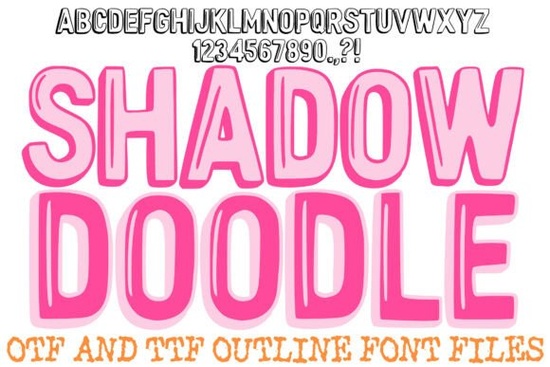
The Shadow Doodle Font is a unique typeface that brings a friendly, handcrafted feel to any design project. With its thick, clean outlines and subtle drop-shadow effect, this font adds a professional 3D look without the need for extra design work. It’s ideal for teachers, educators, and anyone creating materials for children. The font’s playful yet legible style makes it a great choice for social media graphics, digital scrapbooking, and product labels.
One of the standout features of the Shadow Doodle Font is its clean hand-drawn lines. Each letter is crafted to maintain a human touch while still being easy to read. This balance between creativity and clarity makes it a versatile option for both print and digital projects. Whether you're working on classroom worksheets, birthday invitations, or marketing materials, this font offers a warm and accessible aesthetic that appeals to all ages.
The built-in shadow detail on the right side of each character gives your text an instant sense of depth. This feature is especially useful when designing eye-catching visuals where contrast and dimension matter. The high-contrast silhouettes ensure that your text remains visible against any background, making it a reliable choice for a wide range of applications.
Why Choose the Shadow Doodle Font?
If you’re looking for a font that combines creativity with functionality, the Shadow Doodle Font is a strong contender. Its design allows for quick and effective use in various creative fields. Teachers can use it to make learning materials more engaging, while small businesses can incorporate it into branding and promotional content. The font’s simplicity and charm make it a go-to option for those who want to add a personal touch to their work.
Another benefit of this font is its availability in OTF and TTF formats. These file types are widely supported across different design software, ensuring compatibility and ease of use. The font includes only capital letters, along with punctuation marks and numbers, which makes it straightforward to integrate into your projects without unnecessary complexity.
How to Use the Shadow Doodle Font
Using the Shadow Doodle Font is simple and straightforward. Start by downloading the OTF or TTF file from the Creative Fabrica platform. Once installed, you can access it through your design software, such as Adobe Illustrator, Photoshop, or Canva. The font works well with a variety of color schemes, thanks to its bold black outlines and subtle shadow effect.
For best results, pair the Shadow Doodle Font with soft or pastel backgrounds to let the text stand out. It also pairs well with other fonts that have a similar playful tone, such as Cute Bold Font or Scholar Block Font. These fonts can be used together to create visually interesting designs that capture attention without overwhelming the viewer.
Similar Fonts You Might Like
- Cheerful Holiday Font – Perfect for seasonal designs and festive projects.
- Dripping Halloween Font – Ideal for spooky and themed graphics.
- Shadow Doodle Font – The font we’re discussing here, with its unique shadow effect.
Exploring these related fonts can help you find the right style for your specific needs. Each one has its own personality and application, so experimenting with different options can lead to more creative and effective designs.
If you're interested in adding a handcrafted feel to your work, the Shadow Doodle Font is a great place to start. Its combination of clean lines, subtle shadows, and playful style makes it a valuable addition to any designer’s toolkit. Whether you're creating educational materials, marketing content, or personal projects, this font offers a fresh and appealing alternative to more traditional typefaces.
Before finalizing your design, take a moment to test the font in different contexts. Try it on various backgrounds, sizes, and layouts to see how it performs. This will help you ensure that your final output looks polished and professional.
Checklist for using the Shadow Doodle Font: - Download and install the OTF or TTF file. - Test the font in different design scenarios. - Pair it with complementary fonts for visual balance. - Ensure readability on all backgrounds. - Use it for both print and digital projects.
Try It Free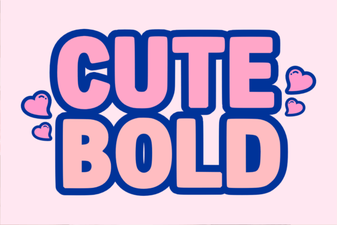 Cute Bold Font for Creative Projects
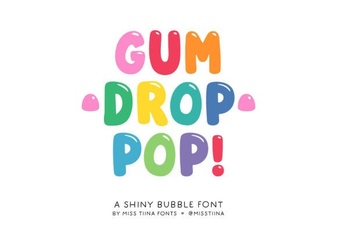 Gum Drop Pop Font Design Trends 2024
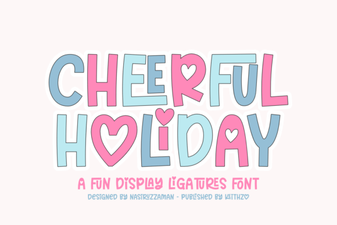 Cheerful Holiday Font for Creative Projects
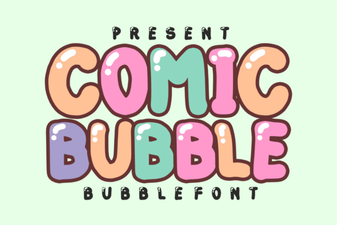 Comic Bubble Font for Creative Design Projects
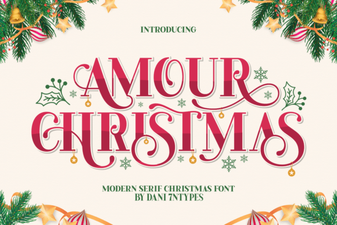 Amour Christmas Font Design Ideas
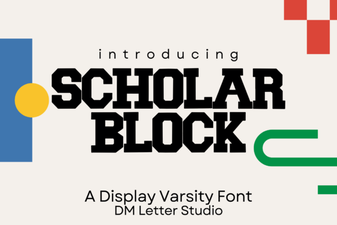 Scholar Block Font for Creative Projects